Product Knowledge
RTX 4090 vs RTX 5090 vs RTX PRO 6000: Which GPU for Your Barebone?
Choosing between RTX 4090, RTX 5090 and RTX PRO 6000 for a GPU barebone? Compare VRAM, power and cooling, and which platform fits each card.
We get asked this one in almost every quote email, usually in the same line as the platform question: "Should we go 4090, 5090, or PRO 6000?"
There is no single right answer. The right card depends on what you're running, how big the model is, and how much power and cooling your rack can actually give you. Pick the card first, and the platform mostly picks itself. Pick the platform first, and you'll spend the next month working out why the card you actually wanted doesn't fit.
So let's do it in the right order. Start with the card.
The three cards, side by side
| RTX 4090 | RTX 5090 | RTX PRO 6000 Blackwell Server Edition |
|---|---|---|---|
VRAM | 24 GB GDDR6X | 32 GB GDDR7 | 96 GB GDDR7, with ECC |
Memory bandwidth | 1,008 GB/s | 1,792 GB/s | 1,597 GB/s |
Board power | 450 W | 575 W | Up to 600 W, configurable |
Architecture | Ada Lovelace | Blackwell | Blackwell |
PCIe | Gen4 x16 | Gen5 x16 | Gen5 x16 |
Cooling | Fan-cooled card | Fan-cooled card | Passive, needs server airflow |
NVLink | No | No | No |
Those are the manufacturer's published figures. Two things in that table do most of the deciding, and neither of them is the CUDA core count.
The first is VRAM. The second is power.
VRAM decides what you can run at all
For LLM inference, this is the whole game. A model either fits in VRAM or it doesn't. If it doesn't fit on one card, you're splitting it across cards, offloading to system memory, or running it slower than you planned. None of those are free.
As a rough rule of thumb — and it is rough, because quantization and context length change the numbers — 24 GB is comfortable for smaller models in the 7B to 14B range. 32 GB opens up the next band, models in the low-30B range at usable quantization, with room for a longer context window. 96 GB is a different league: it is the card you reach for when you want a large model on one card, or several smaller models running side by side without fighting over memory.
That is why the PRO 6000 costs what it costs. You are not mainly paying for speed. You are paying for 96 GB on one card, with ECC, in a card that was built to live in a server.
ECC is worth a word here, because people either overrate it or ignore it. The GeForce cards don't have it. The PRO 6000 does. For a long training run, or a system that has to stay up for weeks at a time, ECC memory catching and correcting errors is part of the point. For inference, rendering, or a short job where you can just re-run it, it matters a lot less. Don't buy ECC because it sounds safer. Buy it because your workload actually runs long enough for memory errors to matter.
One more thing about VRAM: more of it doesn't make a small model faster. If your model fits comfortably in 24 GB, a 96 GB card won't make it run four times faster. It will make a bigger model possible, and it will let you run more things at once. That's it. If you're running one 8B model and nothing else, the 4090 is not the bottleneck.
Power decides what you can actually build
This is the part people forget until the quote comes back higher than they expected.
Add up the cards first, before anything else. Eight RTX 4090s at 450 W is 3,600 W just for the GPUs, before the CPU, fans and everything else. Eight RTX 5090s at 575 W is 4,600 W. Eight RTX PRO 6000s at 600 W is 4,800 W. Same 8-GPU box, very different power supply, very different cooling, very different rack.
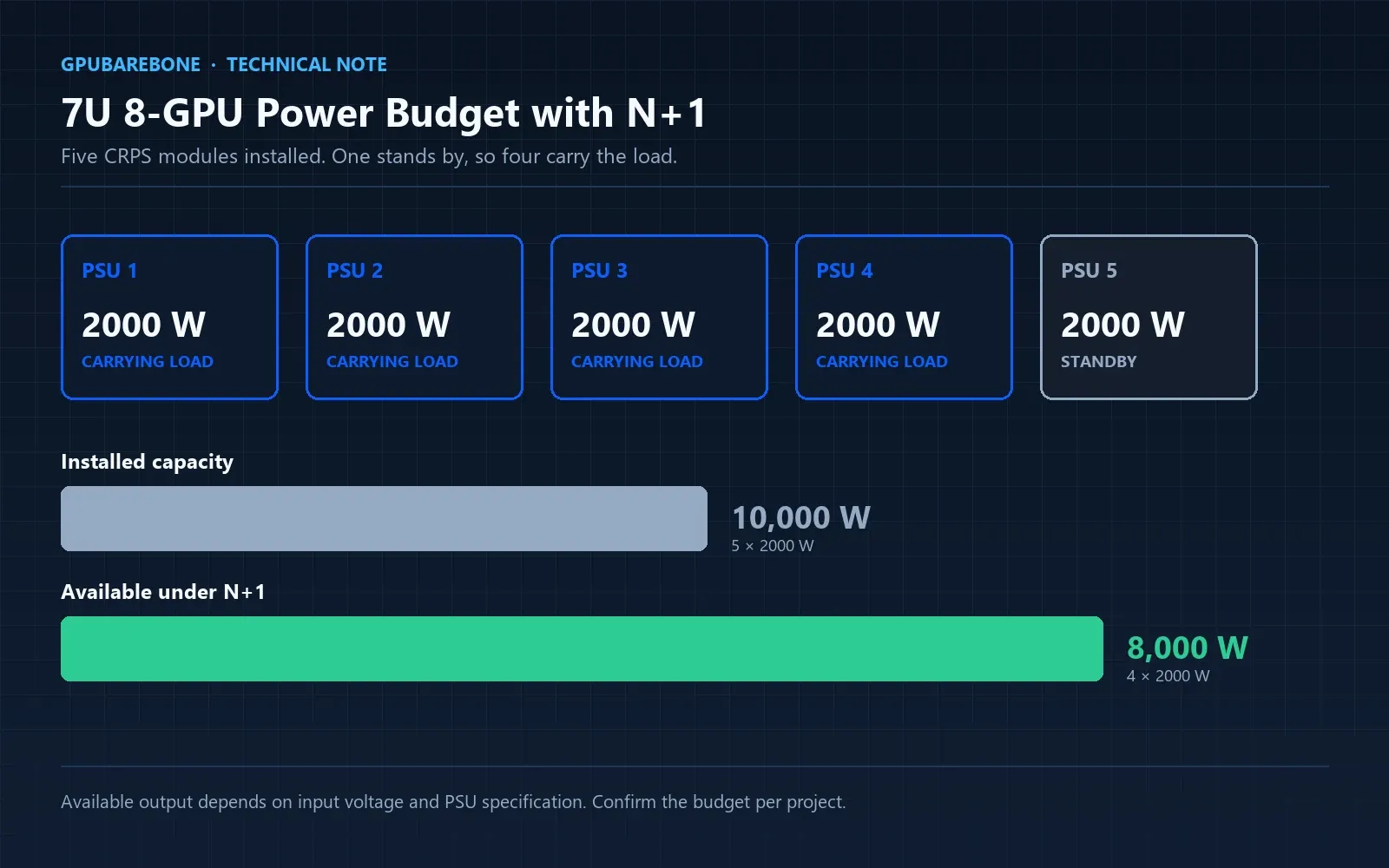
That is why our 8-GPU platforms run 5 × 2000 W CRPS power modules, usually in a 4+1 redundant setup. The fifth module is not there for fun. It's there so one module can fail and the box keeps running, and so the power budget actually covers eight cards at full load plus the rest of the system.
And the PRO 6000 adds one more wrinkle: the Server Edition is passively cooled. There is no fan on the card. It relies on the chassis airflow to keep it cool, which means the chassis has to be qualified for it. You can't just drop eight passive cards into any box with a big enough power supply and hope for the best. The airflow, the ducting, the fan curve — all of it has to be right for that card. That's why we confirm PRO 6000 builds per project, instead of just saying yes to any platform.
If you tell us the card first, we can tell you straight away whether your platform needs a duct, extra fans, or a different power setup. If you tell us the platform first, we have to work backwards and guess.
Which platform fits which card?
All of our barebone platforms are built around the same idea — chassis, fans, backplane, PCIe Gen5 risers, CRPS power and GPU cables in the box, motherboard and GPUs to be chosen per project — but they are not interchangeable.
Roughly, from what we build:
4 GPUs — 4U. The 4U 4-GPU Server Barebone for RTX 5090 / 4090, model OCG4780-4H5-H, is the dense option. Four cards in a tight rack, where space matters more than anything else. If you only need four cards, don't pay for a 7U box to hold them.
5 GPUs — 5U. The 5U 5-GPU Server Barebone for RTX 5090 / 4090, model OCG5880-5H4-L, is the middle ground. Five cards, Gen5 risers, 5 × 2000 W CRPS in 4+1 redundancy. We have confirmed it can take RTX 5090 and RTX PRO 6000 as well as RTX 4090 — tell us which card when you ask for a quote, and we'll confirm the cooling for that card.
8 GPUs — 5U, 6U or 7U. This is where the choice gets interesting, and where people most often pick wrong.
- The 5U 8-GPU platforms, OCG5870B-5H4-R (ASRock, 4-bay) and OCG5800A-5H12-L (12-bay), pack eight cards into 5U. The difference between them is storage, not the card count: 4 bays and room for longer cards on one, 12 hot-swap bays on the other.
- The 6U 8-GPU platform, OCG6860-8G, gives eight cards a little more room.
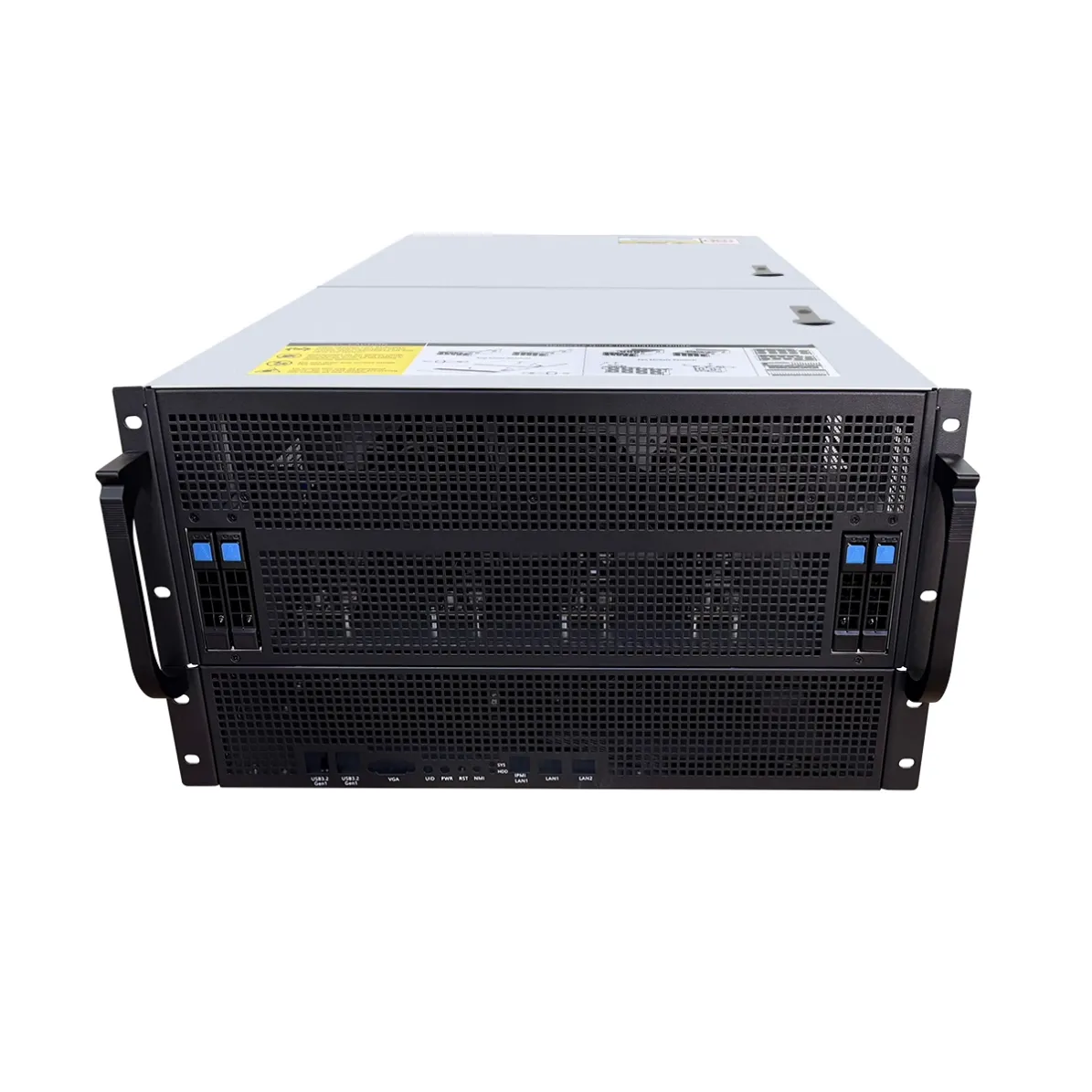
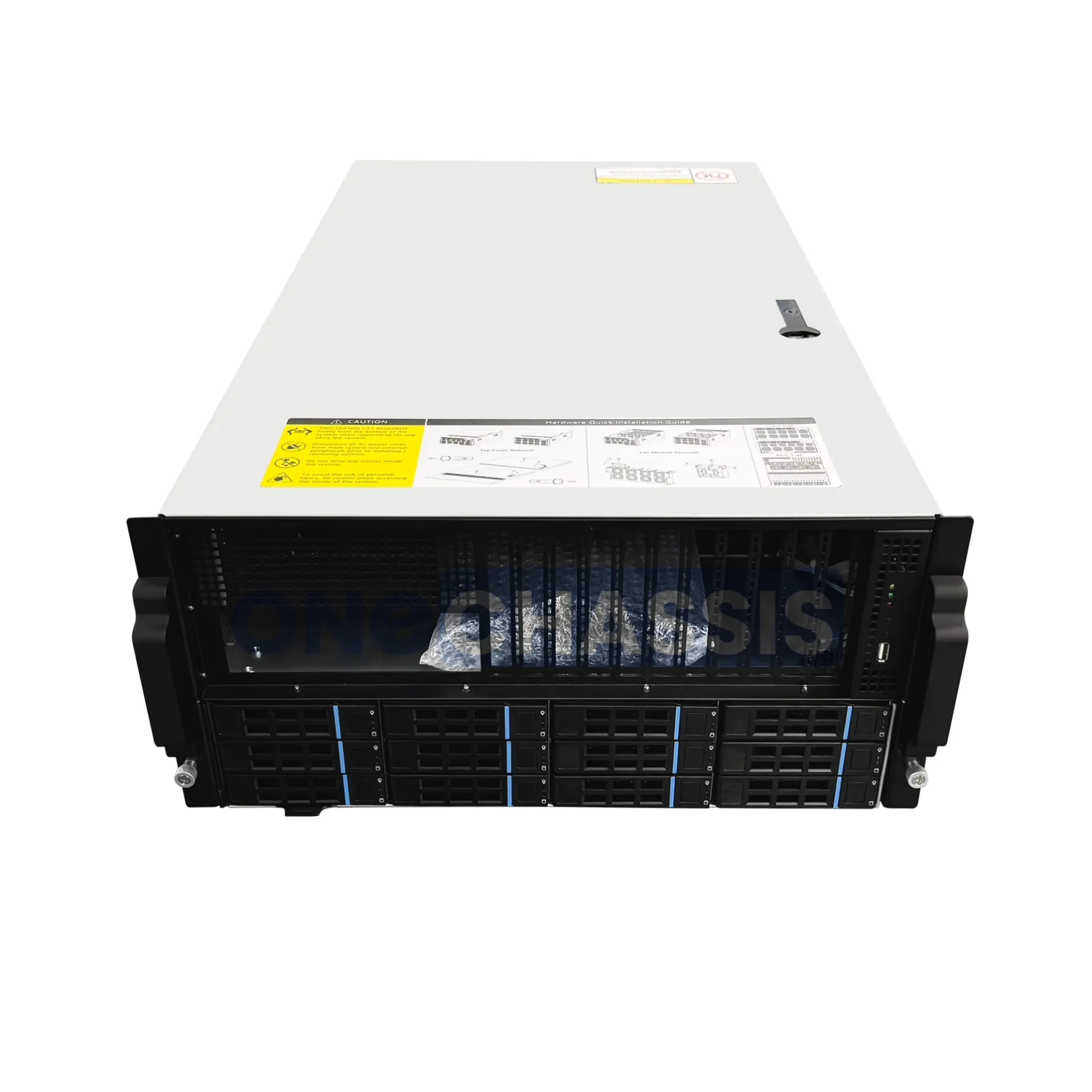
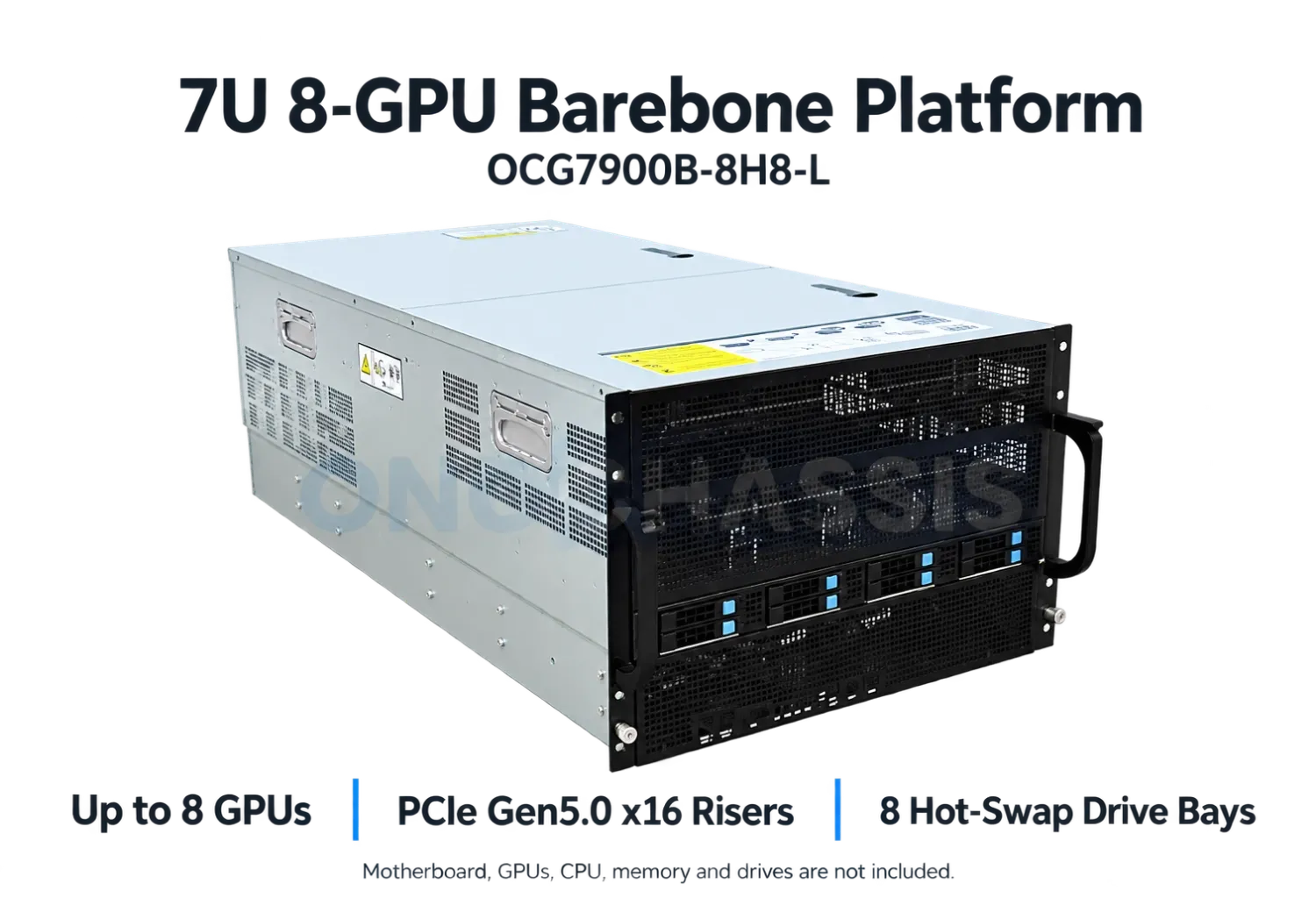
- The 7U 8-GPU platforms, OCG7900-8H12A (12-bay) and OCG7900B-8H8-L (8-bay), give eight cards the most room to breathe. The 12-bay version has 12 hot-swap bays, four of them configurable for U.2 NVMe. The 8-bay version has 8 × 2.5-inch bays and an optional rail kit.
For RTX PRO 6000 jobs, we usually steer people toward 7U. Not because the card won't fit in 5U — it can, per project — but because the extra height gives the airflow more room, and airflow is what a passive card lives or dies on.
If you want the full list, our products page has all thirteen platforms, chassis and power boards in one place.
So which card should you pick?
It comes down to the workload, not the spec sheet.
LLM inference. Start with the model size. If it fits in 24 GB, the 4090 will do the job and you'll spend less on power and cooling. If you need the next band up, the 5090's 32 GB and much higher memory bandwidth is the step up — token generation is mostly memory-bandwidth bound, so that bandwidth matters. If you want a large model on one card, or several models at once, that's the PRO 6000. Don't buy eight PRO 6000s to run one small model. Buy them because the model needs the memory.
Training. VRAM still matters, but so does how long the run is and how much you care about a memory error ruining a week of work. That's where the PRO 6000's ECC and server design start to earn their keep. For shorter training runs, the 5090 is often the practical middle ground.
Rendering and visual computing. Here the decision is usually about how many frames you need and how big the scene is. The 5090 is the faster card of the two GeForce options, and the PRO 6000 adds the memory and the server form factor if you're building a render farm that has to run all day.
HPC and scientific computing. Same logic as training, with one extra question: does your software actually use the card's features, or does it just need a lot of fast memory? Send us the software and the model size and we'll tell you honestly if the PRO 6000 is worth it for your job, or if the 5090 does the same thing for less power.
Three mistakes we see all the time
First, picking the platform before the card. The card's power and size decide the platform. Do it the other way round and you'll end up either overpaying for a bigger box than you need, or squeezing a card into a box that can't cool it.
Second, counting GPUs and forgetting power. "8 GPUs" sounds like one number. Eight 4090s and eight PRO 6000s are 1,200 W apart before you count anything else. Add up the card power first, then size the power supplies.
Third, assuming all 8-GPU boxes are the same. A 5U 8-GPU platform and a 7U 8-GPU platform hold the same number of cards, but they don't cool them the same way, and they don't hold the same storage. The bay count, the fan layout and the airflow matter as much as the card count.
What to send us when you ask
You don't need a perfect spec. Just send what you know:
- Which card, and how many per box — RTX 4090, RTX 5090, or RTX PRO 6000, and 4, 5 or 8 per system
- What you're running — LLM inference, training, rendering, HPC — and roughly what size model
- Rack height and depth, if you know them
- Input voltage, and whether you need redundant power
- Whether you need ECC, or a passive card, or a specific motherboard
That much is enough for us to suggest a card and a platform, and to tell you if the combination you have in mind actually works. If you want the longer checklist, we wrote about it here: How to Request a Quote from a GPU Server Barebone Manufacturer.
A few questions we get asked a lot
Is the RTX 5090 just a faster 4090?
Not quite. It's faster, yes, but the bigger difference for AI work is the memory: 32 GB of GDDR7 at 1,792 GB/s, against 24 GB of GDDR6X at 1,008 GB/s. That bandwidth is what makes tokens come out faster, and the extra 8 GB is what lets a bigger model fit on one card.
Do I need the PRO 6000, or is the 5090 enough?
If your model fits in 32 GB and you don't need ECC, the 5090 is usually enough. You need the PRO 6000 when the model needs 96 GB on one card, when you need ECC for long runs, or when you're building a server that has to run passively cooled cards in a qualified chassis.
Can I mix cards in one box?
In theory, yes. In practice, we don't recommend it for a production system. Different cards draw different power, need different cooling, and complicate drivers and scheduling. If you have a reason to mix, tell us what it is and we'll look at it case by case.
Does the barebone include the GPUs?
No. The barebone has the chassis, fans, backplane, risers, CRPS power, PDB and GPU cables. Motherboard, GPUs, CPU, memory, storage and operating system are not included. We confirm compatibility for your card and motherboard before you order.
Which platform do I need for eight RTX PRO 6000s?
Usually 7U. The 7U 8-GPU platforms give the passive cards the most airflow, and the 12-bay version gives you storage to match. Tell us the card first and we'll confirm the exact platform, ducting and power setup for your project.
GPUBAREBONE builds 4U–10U GPU server barebone platforms for 4, 5 and 8 GPUs, supporting RTX 4090, RTX 5090 and RTX PRO 6000, with PCIe Gen5 risers and CRPS redundant power. Our factory is in Qingxi, Dongguan, and our design office is in Shenzhen. OEM/ODM available. For a quote, write to sales01@gpubarebone.com.