PCIe 5.0 vs PCIe 4.0 Risers in GPU Servers: When the Upgrade Actually Matters
PCIe 5.0 doubles per-lane bandwidth over PCIe 4.0 — but does your GPU server need it? An honest breakdown of where Gen5 risers matter (and where they don't) for GPU platforms.
Every platform vendor now advertises PCIe 5.0, and every buyer asks the same question: is it worth paying for? The honest answer is "it depends on what is actually connected to those lanes" — and in a GPU server, the answer is different for the GPU path, the storage path and the network path. Here is how to think about it, without the marketing fog.
The raw numbers
PCIe doubles bandwidth per generation:
- PCIe 4.0: ~2 GB/s per lane per direction → an x16 slot delivers ~32 GB/s per direction
- PCIe 5.0: ~4 GB/s per lane per direction → an x16 slot delivers ~64 GB/s per direction
The chain rule applies: CPU, motherboard, riser/backplane and end device all negotiate to the lowest generation in the path. A Gen5 riser behind a Gen4 platform gives you Gen4. A Gen4 riser in a Gen5 platform quietly caps the whole chain.
Where Gen5 honestly does not matter (yet)
GPU compute itself. Inside a training job, GPUs talk to each other over their own interconnects or shuffle data that rarely saturates even a Gen4 x16 link to the host. And the card sets the ceiling: a GPU with a PCIe 4.0 interface — still the majority of cards in active deployment, including the RTX 4090 generation — runs at Gen4 speeds no matter what the slot supports. If your fleet is Gen4 cards on a Gen4 CPU platform, a Gen5 riser changes nothing measurable.
Where Gen5 genuinely matters
- Current-generation GPUs. The newest card generation (the RTX 5090 class) ships with a PCIe 5.0 interface. On a Gen4 platform you leave host bandwidth on the table; on a Gen5 platform with a Gen5-ready CPU and motherboard, the full path is available.
- Signal integrity headroom. Gen5 riser and MCIO cabling is built to tighter loss budgets. At high slot counts and longer internal cable runs, that engineering margin shows up as link stability — fewer retraining events and surprise lane-width drops under load.
- Storage and networking sharing the topology. Gen5 NVMe arrays and 200G/400G network adapters are real bandwidth consumers. If your design hangs storage or fabric off the same riser topology, Gen5 lanes double what each slot can feed.
- Platform lifetime. A chassis and riser system typically outlives two GPU generations. Buying the Gen5 signal path today is buying the option to drop in next-generation cards without re-platforming — for integrators standardizing a product line, that option is usually the real purchase.
What to verify when a vendor says "PCIe 5.0 ready"
- End-to-end: CPU platform, motherboard, riser/backplane and cabling all Gen5 — ask for each link in the chain, not the headline.
- Full population: the topology at all 8 slots populated, not a one-slot demo. Lane allocation per slot (x16 to every card, or shared?) matters more than generation alone.
- Connector type: MCIO-based Gen5 designs are the current mainstream for high-density platforms; confirm what your configuration actually ships with.
- Tested card list: which Gen5 cards has the vendor actually validated in this chassis?
Our position
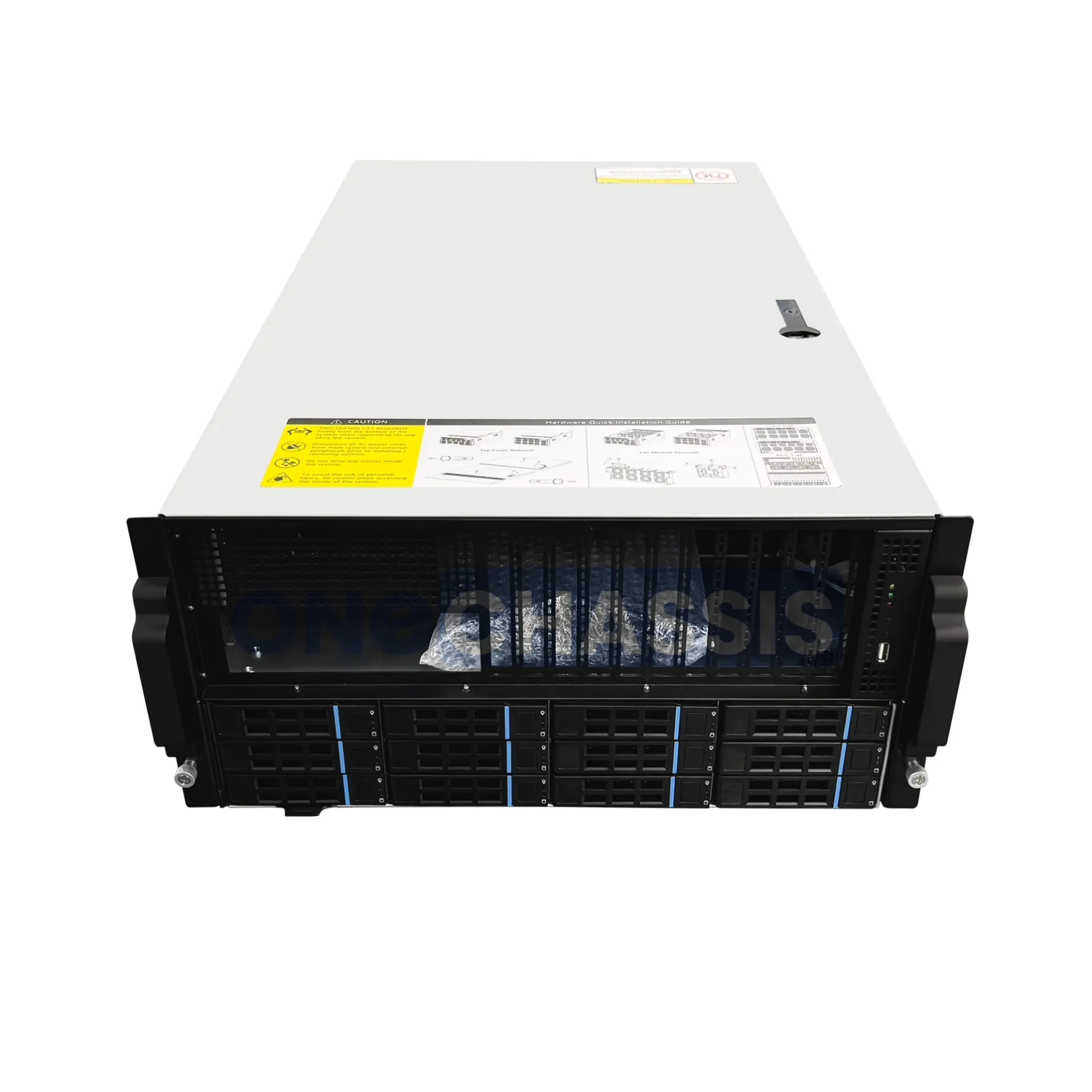
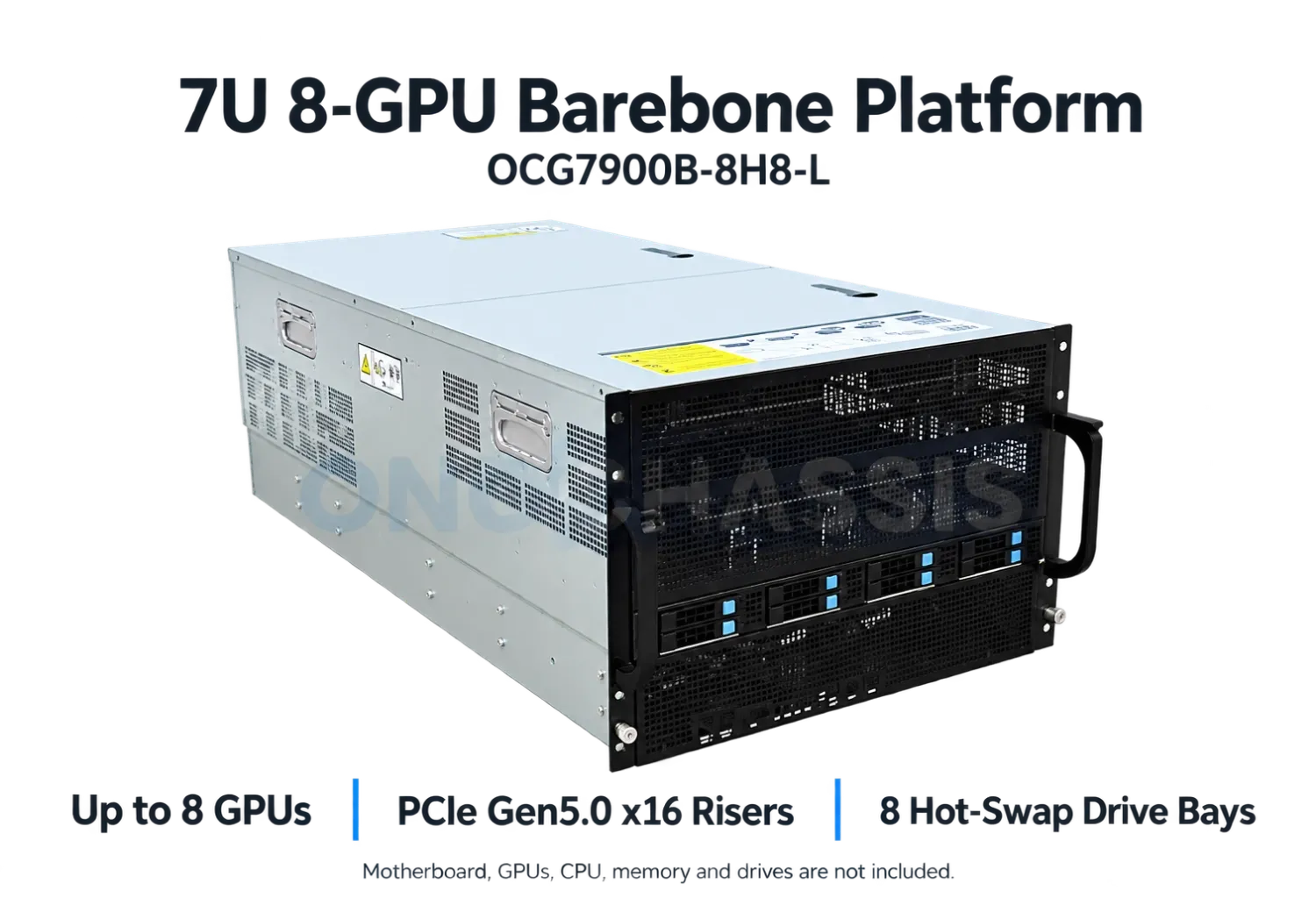
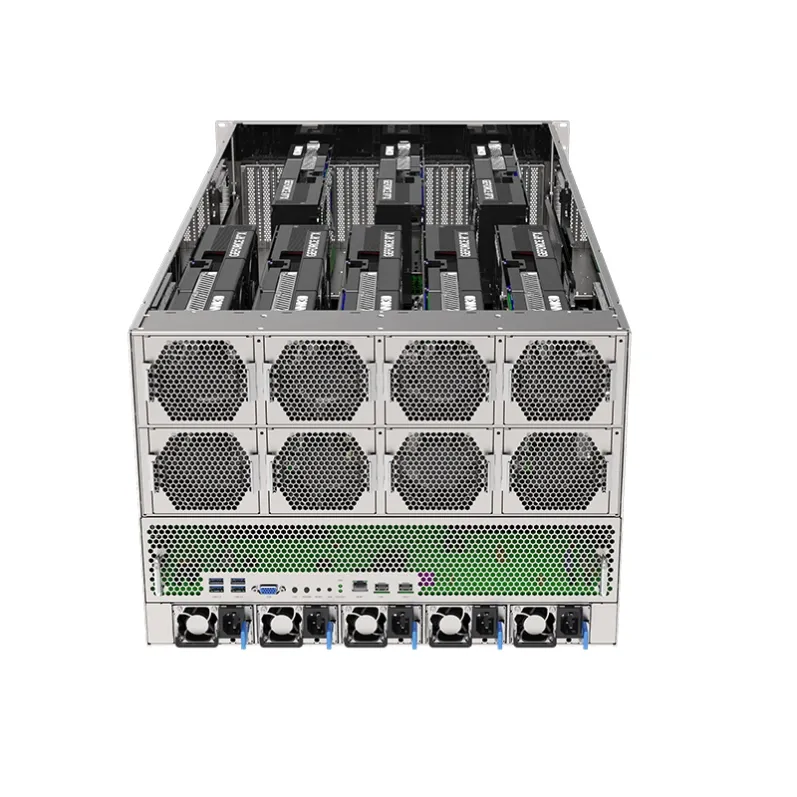
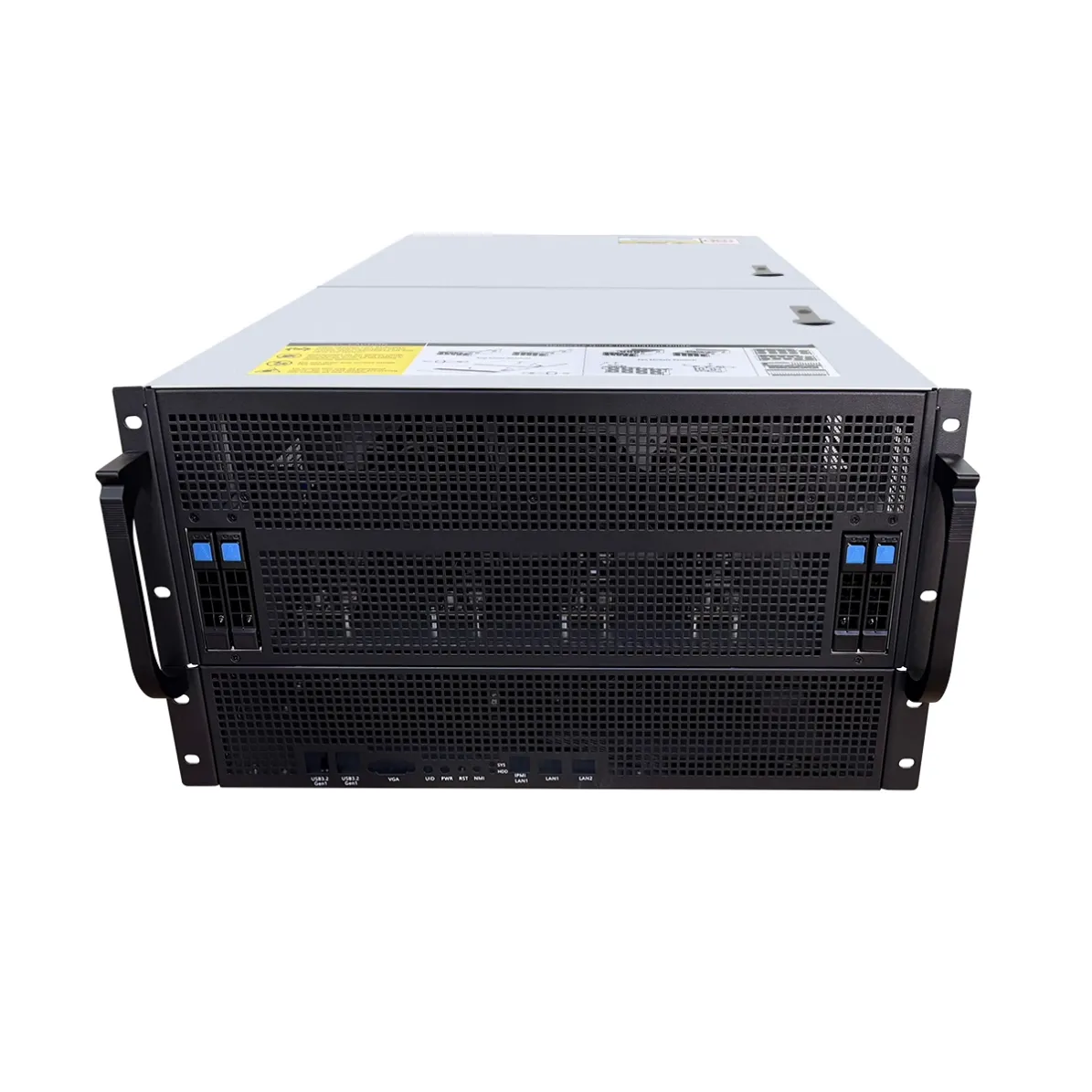
Our 6U 8-GPU platform (OCG6860-8G) is built as a PCIe 5.0 design for exactly the lifetime reason above, while our Gen4 platforms remain the cost-effective choice for fleets standardized on Gen4 cards. Neither is "better" in the abstract — the right choice follows your card roadmap. If your next two GPU generations are already decided, the riser generation decision makes itself.
Building a platform roadmap and unsure which PCIe generation to standardize on? Tell us the GPU models you plan to run over the next three years and we will map them against our Gen4 and Gen5 platforms. Contact: sales01@gpubarebone.com