Product Knowledge
How to Choose a GPU Barebone Server: Chassis, Power, PCIe and Cooling Checklist
A practical checklist for system integrators choosing a GPU barebone server: GPU fit, motherboard compatibility, PCIe topology, redundant power, cooling and OEM terms — before you request a quote.
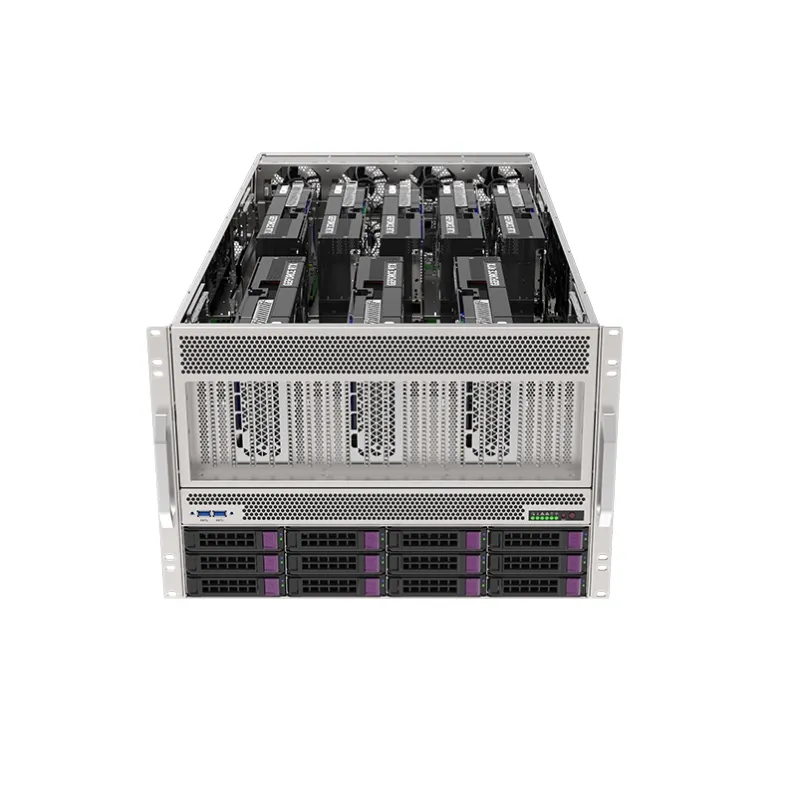
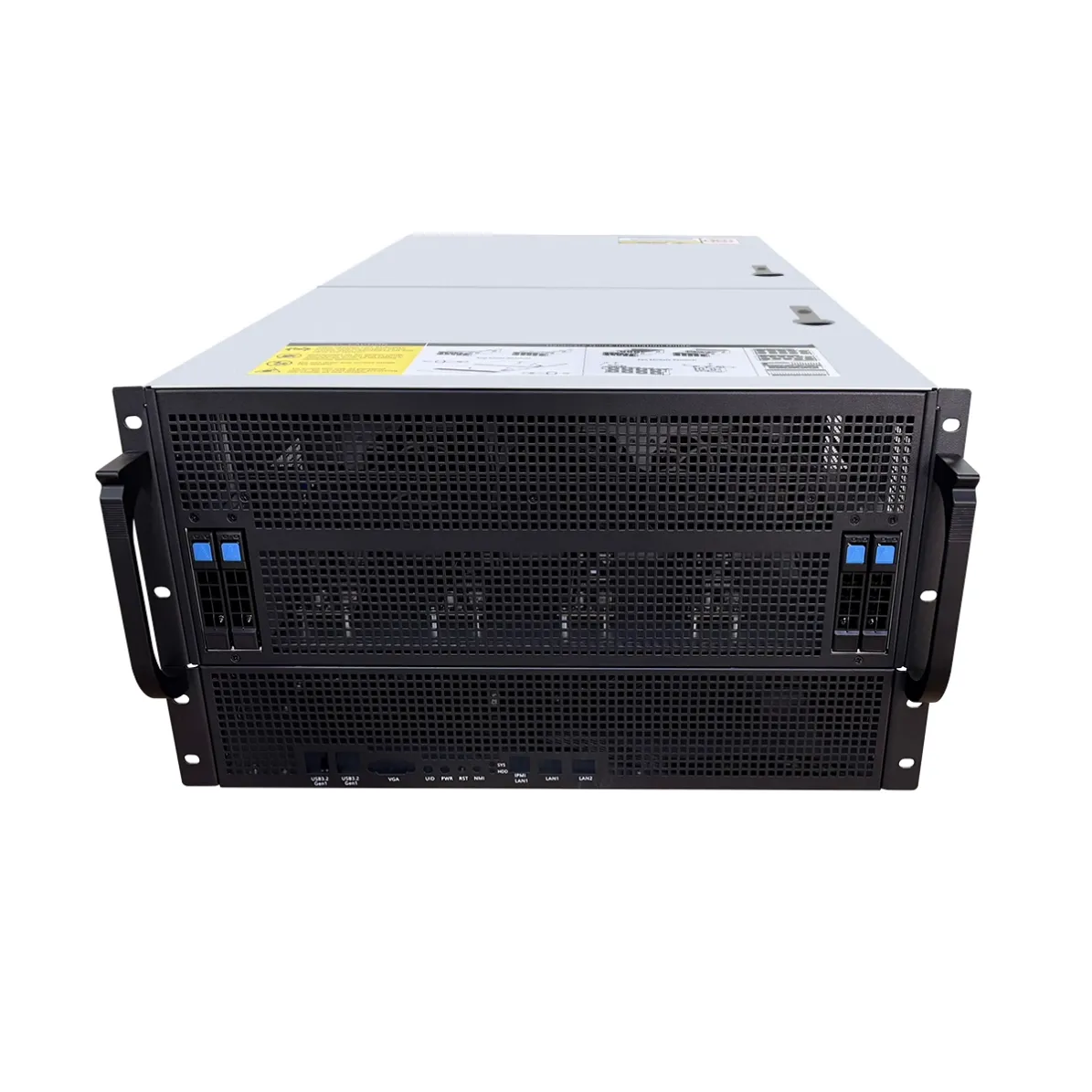
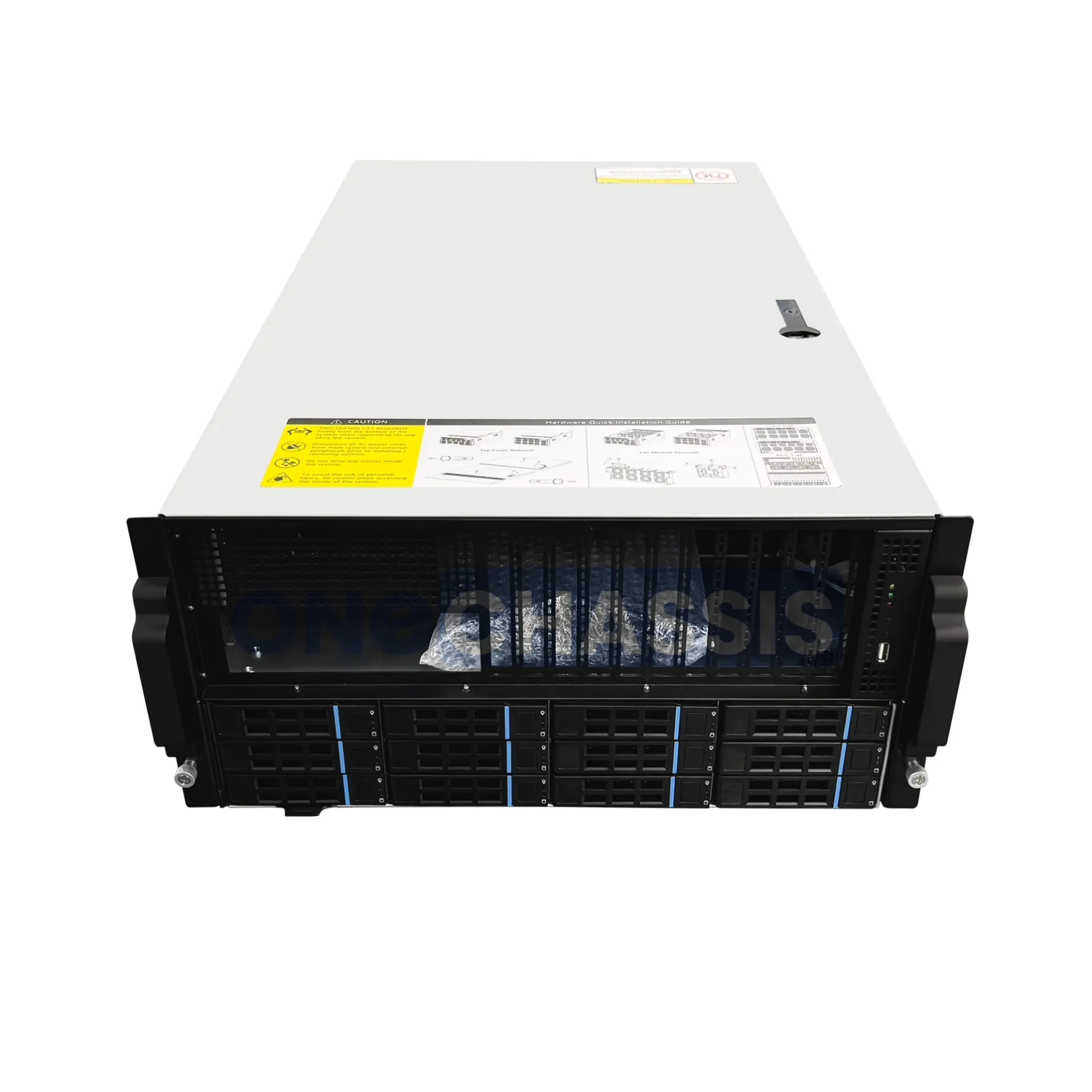
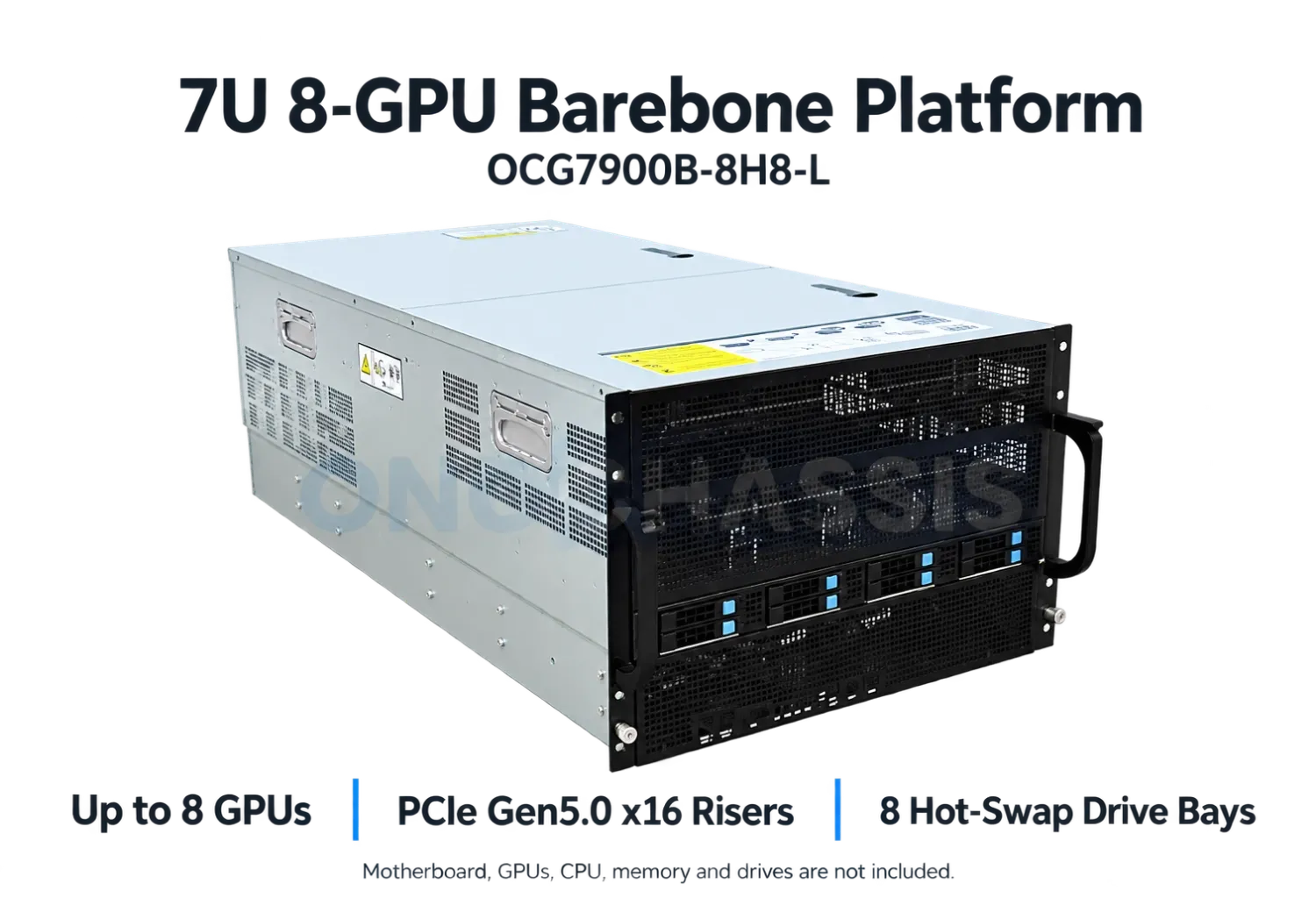
A GPU barebone server looks simple on a spec sheet — a chassis, redundant power supplies and riser cards, ready for your motherboard, CPUs and GPUs. In practice, most project problems do not come from the components you choose. They come from the platform details nobody confirmed before ordering: a GPU that is 5 mm too long, a riser topology that splits lanes the wrong way, or a power budget that only works until all eight cards run at full load.
This checklist walks through the points experienced integrators verify before they commit to a barebone platform.
1. Start with the GPU, not the chassis
GPU model, quantity and form factor decide everything else:
- Card dimensions. Full-length, double-width cards and passive datacenter cards have very different clearance needs from short consumer cards. Confirm length, height and slot width against the chassis drawing — not the marketing photo.
- Power connectors. Card position determines whether the PSU cabling and connector type (top-mounted vs rear) actually reach. High-power cards at 450W and above leave no room for improvised cabling.
- Cooling style. Blower (turbo) cards exhaust their own heat and suit dense chassis. Open-air cards dump heat into the chassis and depend entirely on the fan wall. Mixing the two in one platform is a common cause of throttling.
2. Confirm motherboard compatibility in writing
A barebone platform is normally supplied without a motherboard — you install your own, or order it with the platform when the project requires it. Either way, confirm:
- Supported board form factors and the exact tested models (a "compatible" list from the vendor's own validation, not a size guess)
- CPU generation and socket direction — mounting and airflow are designed around a specific board layout
- PCIe lane allocation from the CPUs to the riser/backplane: an 8-GPU platform needs a topology that gives every card the lanes your workload expects
3. Check the PCIe topology and riser design
The riser system is the heart of a GPU barebone. Ask:
- PCIe generation (Gen4 vs Gen5) of the backplane and risers, end to end — one Gen4 link in the chain caps that path at Gen4
- Whether the design uses cables, MCIO connectors or a direct backplane, and how it behaves at full population
- Bifurcation support, if you plan to mix GPUs with NVMe or network cards in the same slots
4. Size the power supply for the worst day, not the average day
Add up GPU TDP at full population, then CPUs at full load, then fans, drives and network cards. The redundant capacity of the PSU configuration — what remains after one module fails — must still cover that total with headroom. Also confirm the input voltage range matches your target market's datacenter standard; high-power GPU nodes are effectively 200–240V machines. (We work through the numbers in detail in our guide to sizing power for an 8-GPU server.)
5. Match cooling to your real rack environment
- Front-to-back airflow is the datacenter default; confirm the platform follows it
- Fan wall design (hot-swappable, redundant) matters more than raw fan count
- If your per-rack density is heading past what air can remove, plan the liquid cooling path early — rack-level liquid cooling is far easier to adopt when the deployment is designed for it from the start
6. Rack, storage and network fit
- Chassis depth against your rack depth, including cable management space at the rear
- Drive bays: how many NVMe/SATA positions, and do they share PCIe lanes with the GPUs?
- OCP or PCIe slots reserved for 100G/200G networking — AI clusters rarely stay on 25G for long
7. If you are buying OEM volume, confirm the commercial terms early
For integrators building their own brand on a barebone platform, the engineering checklist is only half the work:
- Minimum order quantity and how it applies across mixed configurations
- Customization scope: front panel, logo, color, packaging, BIOS splash
- QC process and burn-in testing before shipment, and how DOA/warranty cases are handled
- Lead time at your expected reorder volume, not just the first order
The short version
Choose the GPU first, confirm the motherboard and PCIe topology in writing, size redundant power for full load, and match cooling to the rack you actually have. A barebone platform rewards buyers who check these points early — the configuration review is free, while a container of almost-right servers is not.
Planning a GPU server project? Send us your GPU model, motherboard and target quantity, and we will review the fit against our 4U to 7U barebone range and confirm mechanical fit, power and lead time. Contact: sales01@gpubarebone.com