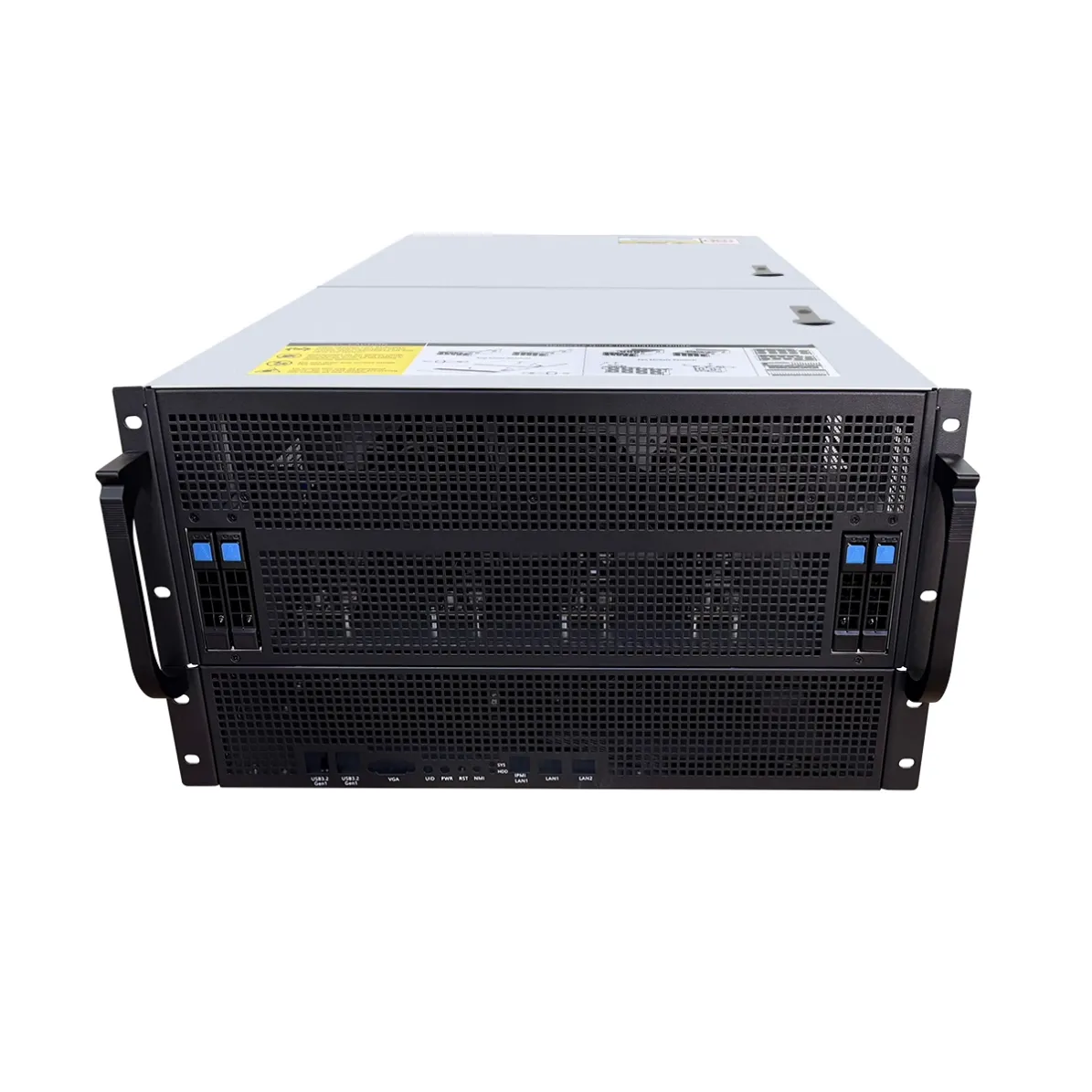
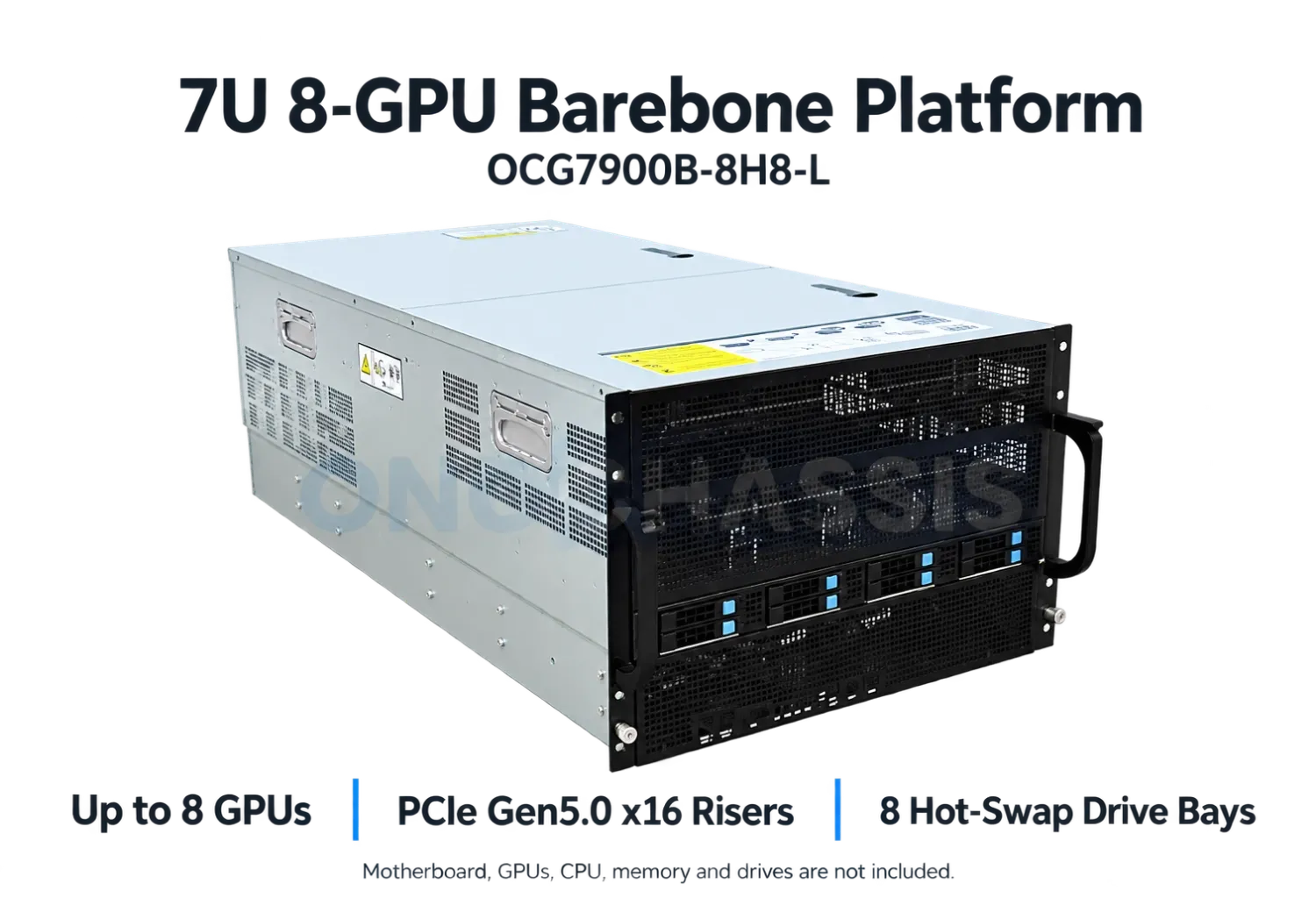
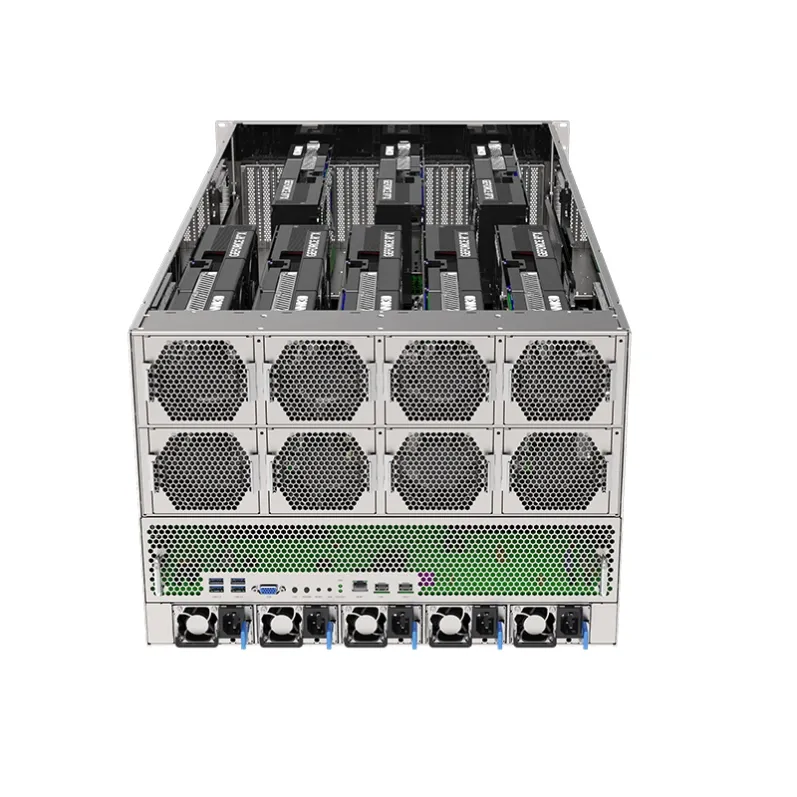
How Much Power Does an 8-GPU Server Need? Redundant PSU Sizing Explained
Sizing power for an 8-GPU server: add up the real load, understand redundant capacity (2+2, N+1), input voltage and efficiency — with a worked example for 8 high-power GPUs.
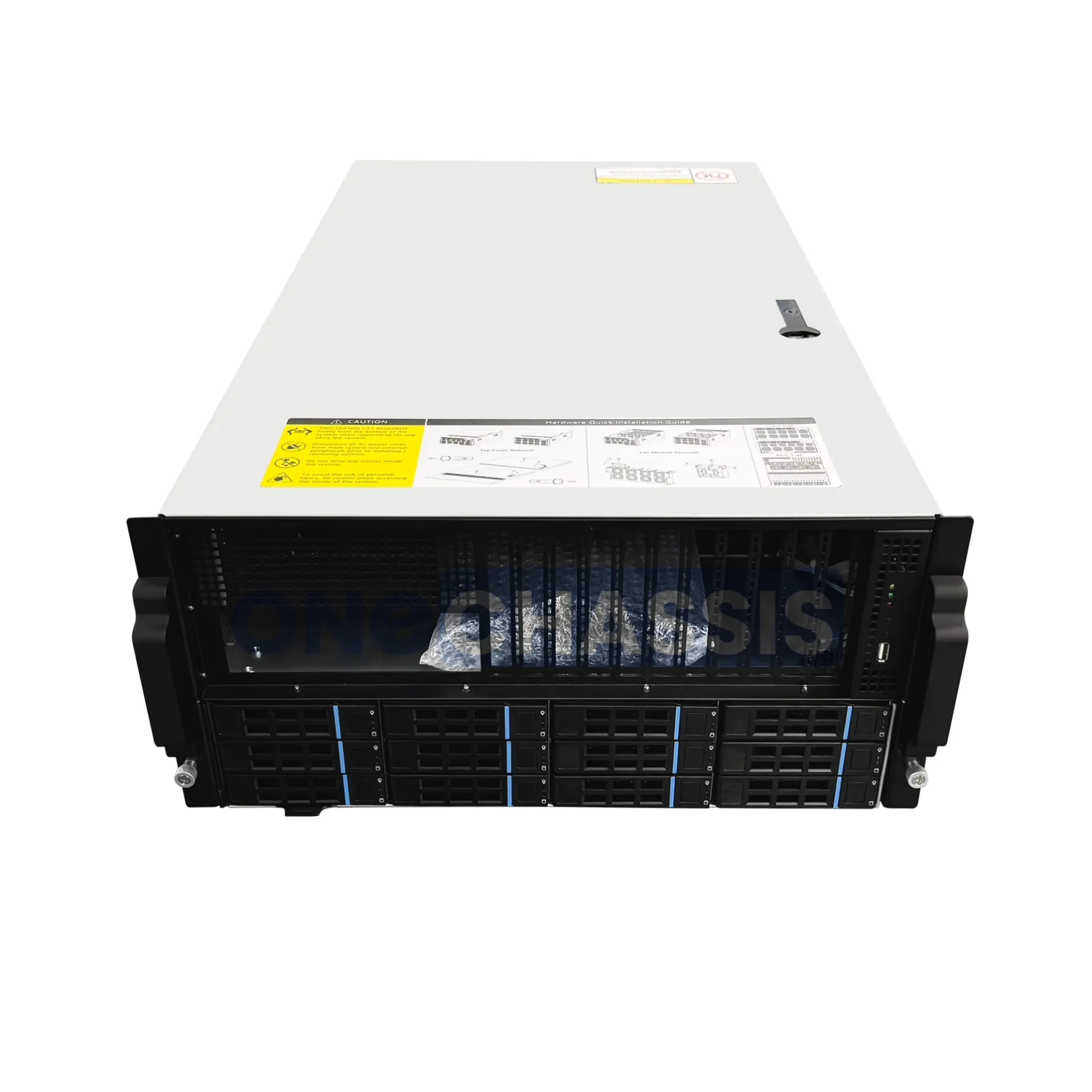
Undersized power is the most expensive mistake in GPU server projects, because it rarely fails on day one. It fails three months later, under a full training load, in the form of random shutdowns and throttled cards that look like a software problem. This guide explains how to size the power configuration of an 8-GPU server properly — and how to read a PSU specification without being misled by the headline number.
Step 1: Add up the real load
Work from component TDP at full load, not typical draw:
- GPUs: 8 cards × rated TDP. At 450W per card (the current generation of high-end desktop-datacenter crossover cards), that is 3,600W for the GPUs alone. Newer cards rated at 575W push the same line item to 4,600W.
- CPUs: a dual-socket platform under full load typically adds 500–700W.
- Everything else: memory, NVMe drives, high-speed network cards and the fan wall at full speed — budget 300–500W. The fan wall is easy to forget and can draw several hundred watts exactly when the machine is working hardest.
Worked total: an 8 × 450W GPU node lands around 4,400–4,800W at full load. The same node with 575W cards approaches 5,600W.
Step 2: Size redundancy, not nameplate
PSU specifications quote the total of all modules. What matters is the redundant capacity — what the remaining modules can deliver after one fails:
- 2+2 configuration (four modules): redundant capacity = half the nameplate total. Four 1600W modules give 6,400W nameplate and 3,200W with full 2+2 redundancy — but platforms are often run in 2+1 or shared modes, so always ask which redundancy scheme the quoted configuration actually uses, and what capacity remains in that mode.
- N+1: capacity = total minus one module. Three modules where two carry the load.
Then apply headroom: keep the full-load figure at or below about 80% of the redundant capacity. PSUs are most efficient and age best in the middle of their range, and your next GPU refresh will draw more, not less.
Step 3: Check the input side
- Voltage: high-power GPU nodes are effectively 200–240V machines. A PSU's rated output often derates sharply on 100–120V input — the same module may deliver only half its nameplate. Confirm the rating at the voltage your target market's datacenters actually provide.
- Rack feed: one node at ~5 kW is fine; six in a rack is ~30 kW. Coordinate node PSU sizing with the rack PDU and facility feed — this is why rack-level power planning (and monitored or switched rack PDUs) belongs in the same conversation.
- Efficiency grade: at multi-kilowatt loads running 24/7, the difference between Platinum and Titanium efficiency is real money every month, multiplied by every node.
Common sizing mistakes
- Sizing to "typical" GPU draw. AI training does not do typical. Synchronized full load across all cards is the normal state.
- Reading nameplate as usable. 6,400W on the label can mean 3,200W of truly redundant capacity.
- Forgetting the failure case. If one PSU module dies and the node drops under load, the redundancy was decorative.
- Ignoring the next GPU generation. Card TDP has risen every generation. Headroom bought today is a chassis that survives the next refresh.
What we confirm in a configuration review
For every platform we quote — 4U through 7U — we confirm the PSU configuration in the redundancy mode it will actually run, at your input voltage, against your exact GPU model's TDP, with the headroom calculation shown. If the numbers do not work, we say so before the order, not after the first shutdown.
Send us your GPU model and node count and we will run the power budget for your configuration and recommend a PSU setup with the working shown. Contact: sales01@gpubarebone.com